 for Practices
Answer the first question
Load office hours, locations, consultation fees, cancellation terms, and the questions your reception team hears every day.
Practice use cases
Give visitors a multilingual front desk they can reach after hours. Help them find the right office, understand booking policies, and request their next visit.
AI receptionist
Load office hours, locations, consultation fees, cancellation terms, and the questions your reception team hears every day.
Use your practice’s rules to distinguish a new consultation, returning visit, or a request that belongs with staff.
Check the connected calendar where available, or collect a booking request for your coordinator.
Example exchange
Patient asks
Can I book a first-time consultation after work?
AI concierge
I can help with that. Which location works best for you, and which days would you like the team to check?
Coordinator brief
First-time inquiry, preferred office, evening availability, and appointment type.
In your lobby
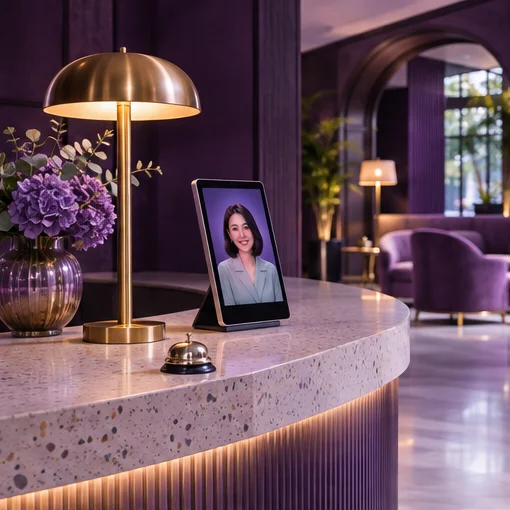
H.E.L.O. gives your Ansha receptionist a physical presence at the entrance or front desk.
Meet H.E.L.O. →Practice setup
Office directory, hours and a monitored staff queue.
See how the conversation changes for different practices.