 for Practices
Get a usable view
Ansha asks the patient to adjust their camera, part or lighting until the area of concern is visible.
Hair restoration
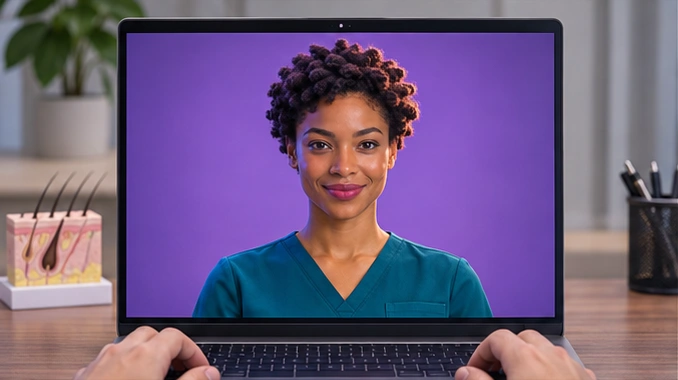
Ansha can guide the camera angle, compare a patient-shared photo and review an earlier scalp report on screen. Patients can describe changes in their preferred language and ask which findings need a closer look.
Practice workflow
Ansha asks the patient to adjust their camera, part or lighting until the area of concern is visible.
Review a dated photo or shared report together. Ask about onset and symptoms, and explain which differences the views support.
With permission, carry the observations, provisional severity estimate and remaining questions into the clinician’s assessment.
Sample consultation
Patient asks
I took this photo last summer. Can you compare it with my scalp on camera?
AI concierge
Let’s line up the same section of your part in both views. A little more scalp is visible today, but the older photo is darker. When did you first notice the change? Have you felt any itching or soreness?
Coordinator brief
The patient noticed a change over six months and reports no itching or soreness. The central part looks wider. Lighting differs between the images, so the amount of change is uncertain.
Bring a link to your hair restoration page and one question patients ask before booking. Walk through what Ansha would say and what your coordinator would receive.